
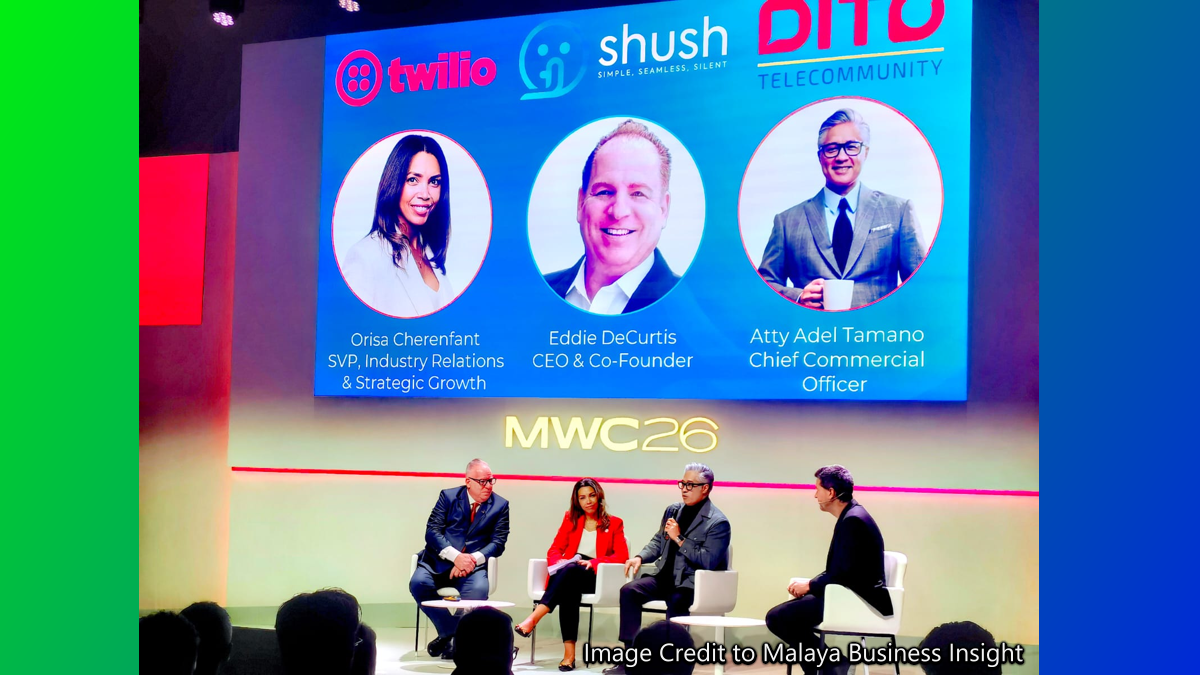
DITO has officially rolled out Silent Network Authentication (SNA)

DITO Telecommunity has officially rolled out Silent Network Authentication (SNA). SNA is a secure technology designed to replace traditional SMS-based One-Time Passwords (OTPs). This move aims to protect users from rising fraud, such as SIM-swapping and phishing, by moving verification directly to the mobile network.
Key features of Silent Network Authentication
- Automatic Verification - Unlike SMS OTPs that require manual entry, SNA verifies your identity in the background through the mobile network.
- Enhanced Security - By verifying at the network level, it eliminates the risk of OTP interception or social engineering attacks.
- Strategic Partnerships - The service was developed in collaboration Shush and Twilio.
- Industry Compliance - This rollout aligns with the Bangko Sentral ng Pilipinas (BSP)' mandate for banks to phase out SMS OTPs starting June 30, 2026.
How "Silent Network Authentication" (SNA) works
- Request: When you attempt a transaction on a supported app (e.g, banking or fintech), the platform sends a verification request to DITO.
- Network Check: DITO's network confirms that the mobile number making the request matches the SIM card currently active in the device.
- Silent Response: If they match, a "True" signal is sent back to the app, and you are authenticated instantly without needing to wait for or type a code.
Note: To use SNA, you typically must be connected via mobile data rather than Wi-Fi, as the system relies on your direct connection to the carrier's infrastructure for verification.
Why this matters for DITO users
- Broad Compatibility: DITO's partnership with Twilio and Shush means any app already using "Verify" API can technically switch to silent authentication.
- Security Priority: DITO is actively positioning tis SIMs as the most secure in the country for banking, incentivizing financial apps to prioritize their integration.
- Regulatory Push: Major banks like BDO, Metrobank and Unionbank are expected to announce their specific SNA rollout timelines soon as they phase out SMS OTPs by mid-2026.
How to verify SNA support in your Fintech app
To check if your bank or fintech app supports Silent Network Authentication for DITO number, look for specific in-app settings or behavior during login. Since this technology is newly launched (March 2026), many apps are currently transitioning from SMS OTPs.
- Check for Seamless login: If you open your bank app while connected to DITO mobile data and it logs you in or authorizes a transaction without asking for a code, it is likely using SNA.
- Look for Security Settings:
- Navigate to Settings or Security within your banking app
- Look for options like "Network Authentication", "Silent Verification", or "Device Binding".
- Apps like BPI have tested "Secure SMS" and "Network-level authentication" to verify devices without manual codes.
- Check Service Status Page: Apps like Maya have a "Service Availability" or "Service Status" page in the "Get Help" section where they list active features and security updates.
- Monitor App Update Logs: Check the "What's New" section of your app on the Google Play Store or Apple App Store. Banks often announce the shift to network-based authentication in their latest version updates.
What are the requirements to use SNA
- DITO mobile data must be enabled: SNA works by matching your active SIM and data session with the network. It will usually not work over Wi-Fi network because the bank needs to see your direct connection to DITO networks.
- Correct APN Settings: Ensure your DITO APN is correctly set to "internet.dito.ph" to maintain a stable data connection for background verification.
- Updated App: You must be on the latest version of your banking or fintech app to access these the security protocols.
Comments