
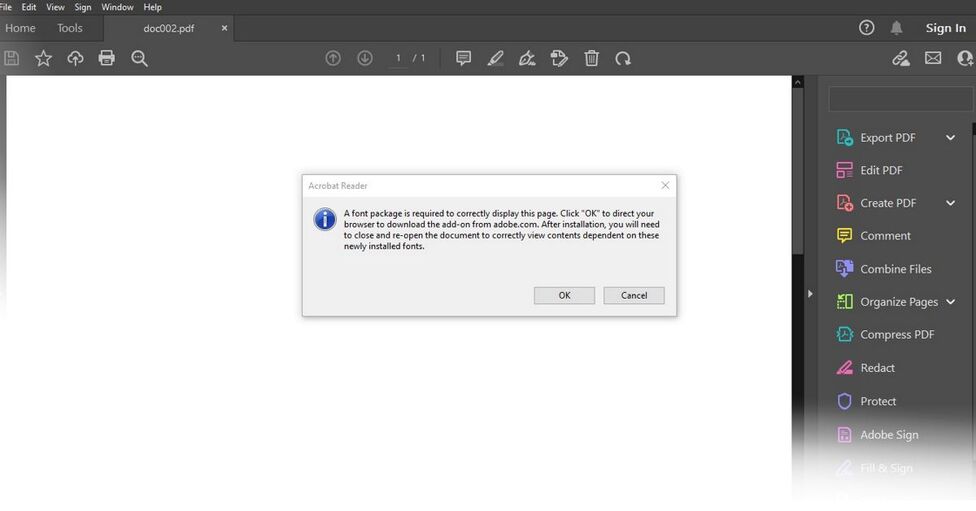
A font package is required to correctly display this page- Adobe Reader

A font package is required to correctly display this page. Click “OK” to direct your browser to download the add-on from Adobe.com. After installation, you will need to close and re-open the document to correctly view contents dependent on these newly installed fonts.
It happens when you’re trying to open a pdf document file using Adobe Reader DC. The reader is missing font package and spelling dictionary pack, you need to download it and install to resolve the issue.
How to fix a font package is required to correctly display this page
From the error message, click OK to visit the Adobe add-on download page. You will find installation instructions from there.
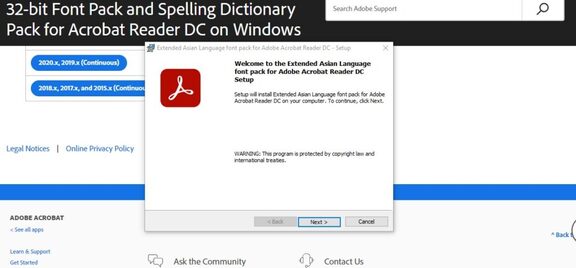
- Go to Help > About Adobe Acrobat Reader DC to find out the current version of Adobe Reader DC.
- Download the font package specific to your version of Acrobat Reader DC.
- Important: Close the Adobe Reader DC before installation. Installation will not continue if the reader is open.
- Run the font package and reopen the reader upon installation.
Comments